Play PokéBonk in your browser
Pick a Pokémon partner, choose a region, and hold the line against an endless horde. The game runs inside the frame below — on a desktop or on a phone, it never sends you away from this page.
Enter the arena.
The frame below loads the public PokéBonk build. Press launch and the game starts right here.
The game loads inside this frame. On a phone it stays right here.
On a phone, rotate the device to landscape for the full map. Guest play is available in the game itself; progress, accounts and leaderboards belong to the game, not to this site.
A partner, a region, a fresh run.
PokéBonk is a free Pokémon-themed survivor game that runs in a web browser. The build linked here opens on a menu with Classic and Survival modes, a League where you pick your partner, a region screen, a Pokédex of Kanto creatures, and a Lab where Stardust buys permanent stat upgrades.
Every run starts in a chosen region with a guardian lineup, and the game asks for your route through the region before the timer starts. Between runs, the Lab is where a weak run gets turned into a stronger one: Training, Stamina, Agility and Study all cost Stardust, and every level of them is permanent.
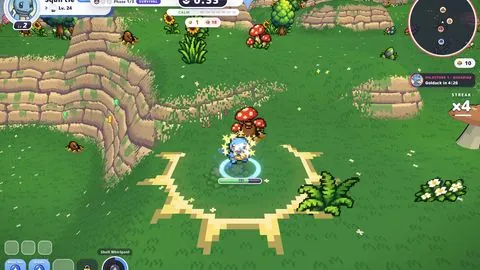
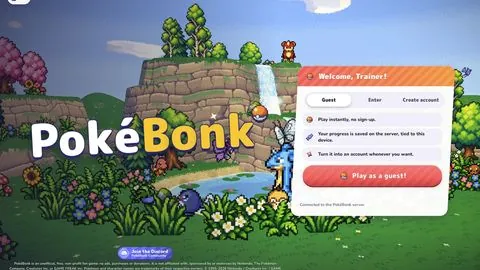
The screenshots on this page were captured from the linked build on October 2026. Menus, region rosters and season content change with updates, so your screen may look slightly different.
Start your first run.
- Press Play on the title screen, then choose your partner from the League. The partner panel lists its type, moves and evolution levels.
- Select a region — Viridian Forest was the available one when these screenshots were taken — and review the guardians that appear in each zone.
- Pick your mode and difficulty, then press Start. Your partner auto-attacks; you control movement and spacing.
- Choose upgrade cards when they appear, and keep moving so the horde never surrounds you.
- After a run, open the Lab and spend Stardust on permanent stat upgrades before you try again.
See the game's screens.
Every image below is a capture of the linked PokéBonk build, not an illustration.
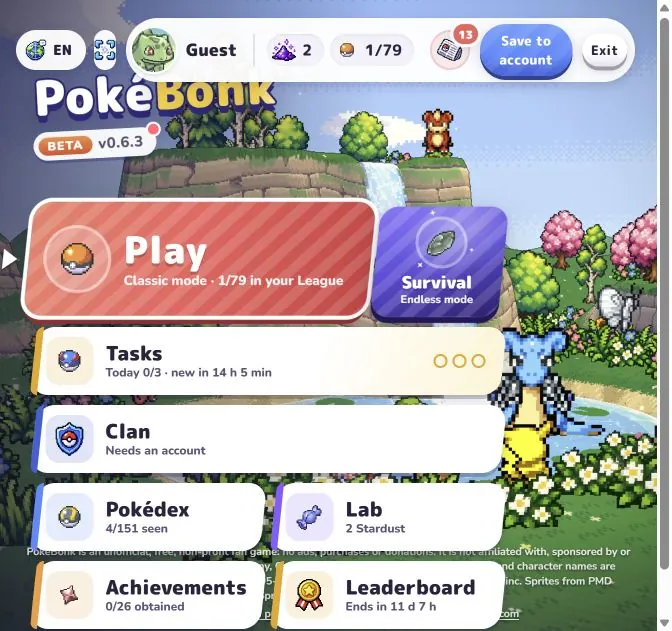
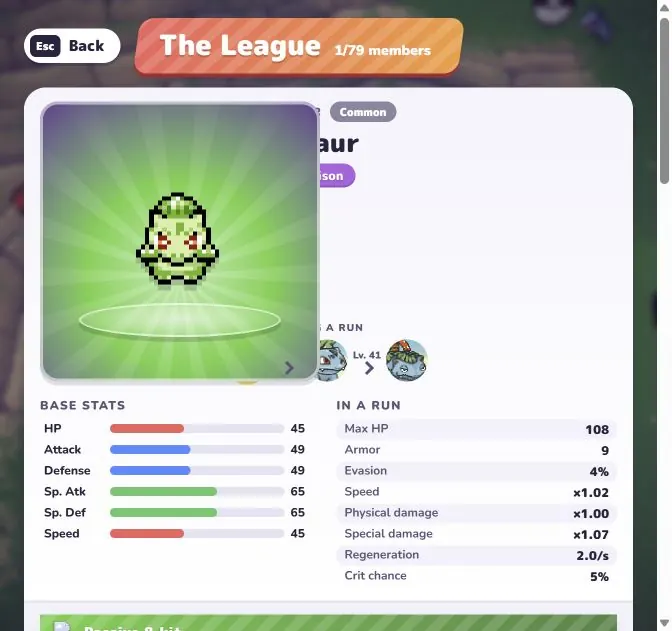
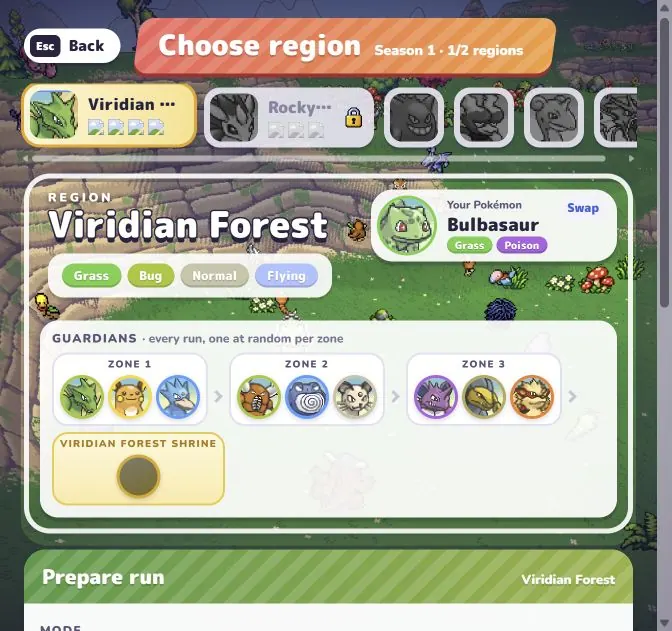
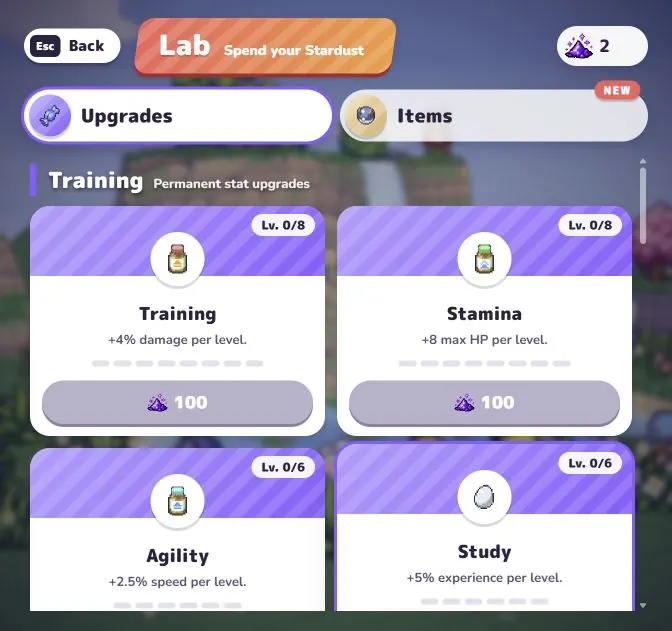
Image source: our captures of the linked PokéBonk game. Pokémon characters and names belong to their respective owners. Daggerfall.lol is an independent fan page and is not affiliated with the game's creators.
Other browser games.
Each game has its own page with a play frame, a how-to-play and original screenshots.
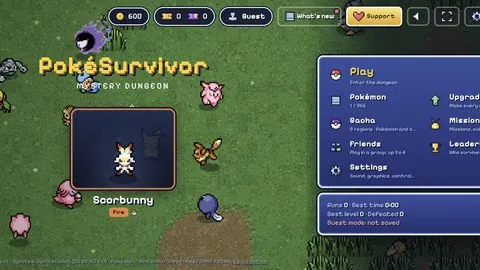
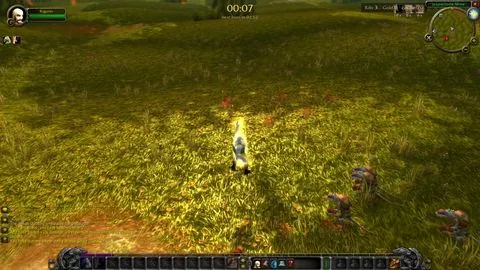
These are separate games built and hosted by their own creators. This page only links to their public browser builds; screenshots are captures of each game.